Cyberstrak 2.1 for Rhinoceros 7-8 – Advanced 3D Modeling Plugin
Cyberstrak 2.1 for Rhinoceros 7-8 is an advanced modeling plugin designed to extend the capabilities of Rhino 3D. It provides specialized tools for NURBS curve and surface modeling, control vertex editing, surface blending, mesh modeling, reverse engineering, and geometric analysis.
The plugin helps designers and engineers create, modify, and refine complex 3D geometry with greater control. Its integrated analysis tools support curvature evaluation, surface deviation measurement, section analysis, and transition quality inspection.
Version 2.1 introduces several workflow improvements, including persistent command preferences, enhanced Dockbar functionality, improved surface blending options, and more precise section and deviation calculations.
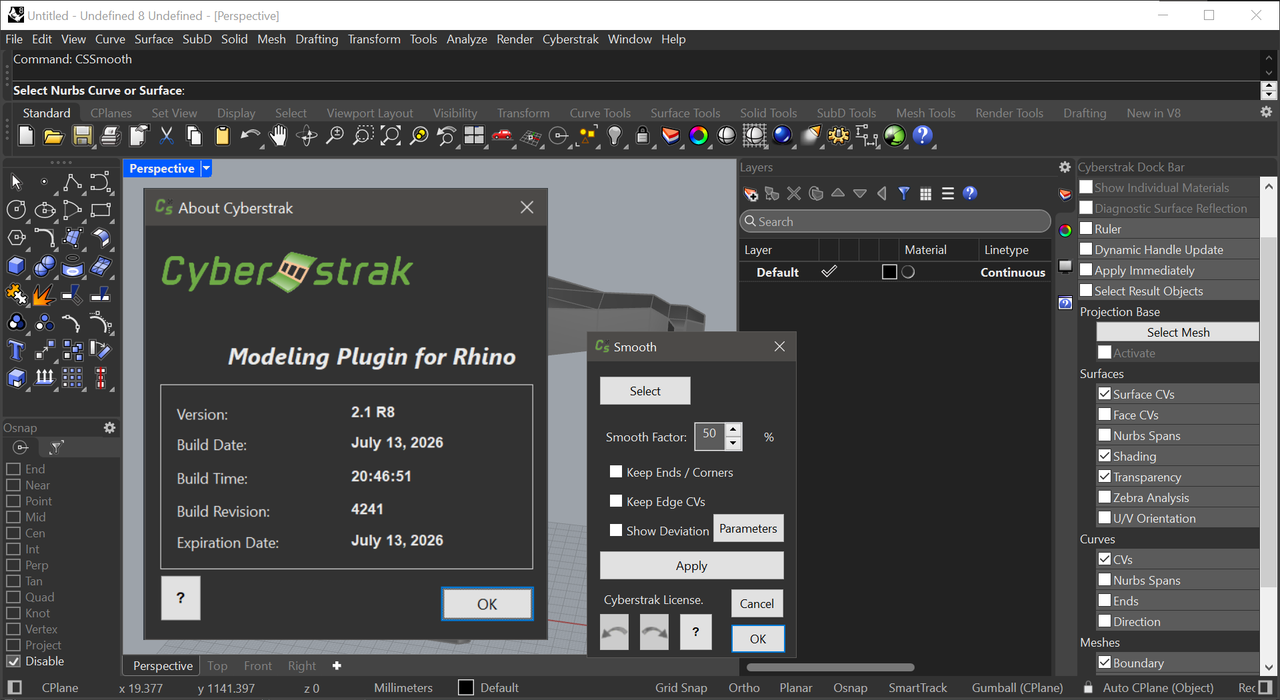
Features of CyberStrak 2.1 for Rhinoceros 7-8
1. Advanced NURBS Modeling
Modify NURBS curves and surfaces.
Edit control vertices (CVs).
Work with selected CVs, curve bars, and CV rows.
Refine complex surface geometry.
Improve control over modeling operations.
2. Surface Creation
Create surfaces from multiple boundary curves.
Generate surfaces from three curves.
Create surfaces from two to four edge curves.
Control surface degree and spans.
Generate NURBS surfaces using reference geometry.
3. Advanced Surface Blending
Create blends between surface edges.
Control tangent and curvature continuity.
Use the Flip Edge option to adjust blend orientation.
Use Different Lengths for improved CV distribution.
Automatically activate Partial mode for supported split edges.
4. Surface Matching
Match surface edges with reference geometry.
Support tangency matching.
Support curvature matching.
Use Keep Lengths for greater control over CV distribution.
Improve surface transition quality.
5. Reverse Engineering and Mesh Modeling
Use meshes as Projection Bases.
Create curves and surfaces on reference meshes.
Modify geometry in relation to scanned models.
Select and edit mesh areas.
Support workflows for reconstructing NURBS geometry.
6. Dynamic Sketching and Curve Modeling
Create curves through sketching tools.
Use dynamic curve sketching.
Project curves onto selected reference meshes.
Maintain command preferences across Rhino sessions.
Improve curve modeling flexibility.
7. Curvature Analysis
Analyze curvature on NURBS curves.
Evaluate surface curvature.
Use both U and V isocurves as calculation references.
Inspect geometric smoothness.
Support better surface quality control.
8. Section and Deviation Analysis
Create sections through curves and surfaces.
Use the new Super Fine density level for more precise calculations.
Analyze geometric deviations between objects.
Inspect differences between reference meshes and NURBS surfaces.
Evaluate surface quality during modeling.
9. Improved Dockbar and Workflow
New Apply Immediately mode in supported commands.
Recalculate geometry immediately after changing options.
Remember command preferences between sessions.
Separate Zebra display settings for meshes and surfaces.
Use Rhino’s native Zebra display options when required.
10. Local Undo and Redo
Undo individual modeling operations.
Redo previous changes.
Compare different modeling stages.
Refine complex geometry more efficiently.
Maintain greater control over the modeling process.
Who Should Use Cyberstrak 2.1?
Cyberstrak is suitable for:
Rhino 3D users and designers.
Industrial and product designers.
Automotive surface designers.
Class-A surface modeling specialists.
Mechanical engineers.
Reverse engineering professionals.
NURBS modeling specialists.
3D CAD designers.
Surface quality inspection professionals.
Engineers working with scanned mesh data.
If you want to download CyberStrak 2.1 for Rhinoceros 7-8 full license, please click to DOWNLOAD button to download.

Inside package CyberStrak 2.1 for Rhinoceros 7-8, already have cracked files and instruction how to install CyberStrak 2.1 for Rhinoceros 7-8 step by step. I guarantee you can install CyberStrak 2.1 for Rhinoceros 7-8 successfully if you follow that instruction.
If you also can’t install it or get any problems, please contact to me by email: [email protected], then I will help you to install software by teamviewer or Ultraviewer or Anydesk.
Thanks a lot

