PTC SOFTWARES

Supply all PTC softwares

Download PTC Product Illustrate (ex Creo Illustrate) 2027.0

Download PTC Product Illustrate (ex Creo Illustrate) 2027.0

Link download PTC Product Illustrate (ex Creo Illustrate) 2027.0 full activated

Working with PTC Product Illustrate (ex Creo Illustrate) 2027.0.0.0

Description of PTC Product Illustrate (ex Creo Illustrate) 2027.0

PTC Product Illustrate (ex Creo Illustrate) 2027.0 is a specialized solution for producing 3D technical illustrations, interactive animations, and service documentation. PTC Creo Illustrate directly uses engineering data from computer-aided design software such as Creo, CATIA, and SolidWorks, and standard formats such as STEP and IGES. By maintaining a live connection to the original CAD files, the software automatically reflects any changes to the product design in the technical illustrations and animations, making the process of updating repair manuals, parts catalogs, and assembly instructions highly automated and accurate.
Users can reorganize the engineering parts list structure into a serviceable structure for maintenance, create 3D explosions and dynamic section views, and then publish the output in a variety of 2D formats such as SVG, CGM or the proprietary IsoDraw format and 3D formats such as PVZ. The tool integrates seamlessly with PTC Windchill product lifecycle management system and Arbortext documentation authoring software to create a seamless digital chain from design to final technical information delivery.
By replacing lengthy text instructions with step-by-step animations and 3D images, Creo Illustrate makes it much easier for technicians to understand complex repair information and reduces translation costs. By automatically generating reference numbers and balloons from CAD metadata, the software eliminates human error in parts list creation and increases the accuracy of information sent to the customer. Finally, this solution creates a better user experience for maintenance operators and improves their productivity by enabling interactive animations and zooming in on details.

Features of PTC Product Illustrate (ex Creo Illustrate) 2027.0

Create technical images and 3D animations directly from original data in engineering design software
Automatically update all images and animations with any changes to the original 3D model
Ability to rearrange the parts list structure from engineering mode to service mode suitable for repairs
Automatically generate reference numbers and balloons on parts in the parts list
Create step-by-step animations to demonstrate complex assembly and disassembly processes
Ability to export in various 2D and 3D formats such as SVG and PDF
Create dynamic section views to display internal product components
Full integration with PTC Windchill product data management system

If you want to download PTC Product Illustrate (ex Creo Illustrate) 2027.0 full license, please click to DOWNLOAD button to download.

CLICKDOWN.ORG Download CAD CAM CNC software
Inside package PTC Product Illustrate (ex Creo Illustrate) 2027.0, already have cracked files and instruction how to install PTC Product Illustrate (ex Creo Illustrate) 2027.0 step by step. I guarantee you can install PTC Product Illustrate (ex Creo Illustrate) 2027.0 successfully if you follow that instruction.
If you also can’t install it or get any problems, please contact to me by email: [email protected], then I will help you to install software by teamviewer or Ultraviewer or Anydesk.
Thanks a lot
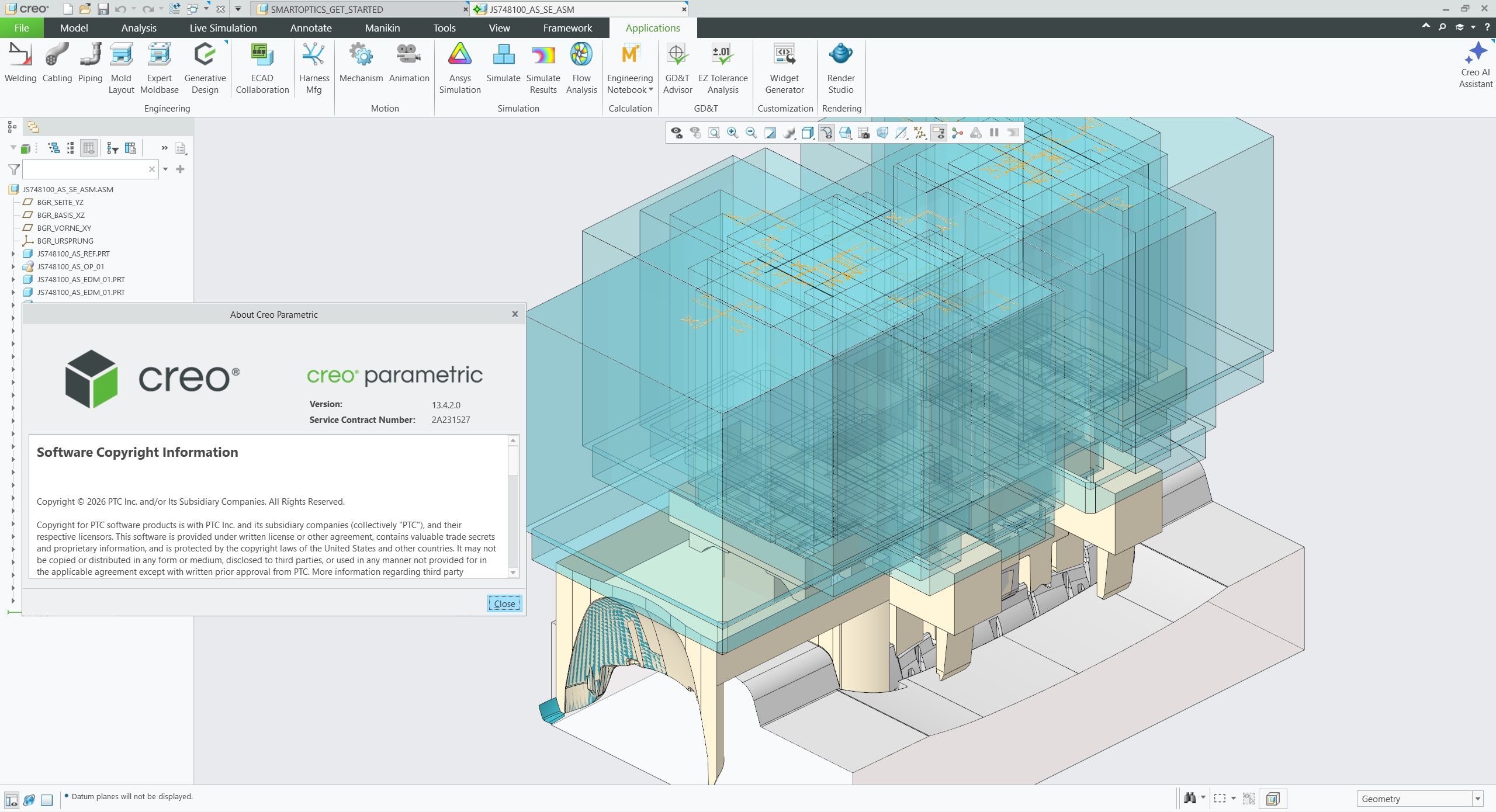
Download PTC Creo 13.4.2.0 + HelpCenter Win64 full activated

Download PTC Creo 13.4.2.0 x64 full license

Link download PTC Creo 13.4.2.0 win64 full activated

Working with PTC Creo 13.4.2.0 full activated

Description of PTC Creo 13.4.2.0

PTC Creo 13.4.2.0 is a software for parametric 3D modeling in the field of industrial design. PTC Creo software streamlines the design process from prototype to final production by utilizing a unified digital model. Changes to any part of the model are automatically updated in the analysis and production paths. Engineers can experience real-time simulations and production design without leaving the main environment. The software is scalable for small teams to large organizations. In addition to traditional modeling, PTC Creo supports additive and subtractive manufacturing, composite design, and optimization with artificial intelligence. Model-Based Definition (MBD) in this platform makes technical documentation more accurate. Unlike separate solutions, all modules are available in one place. Exporting to STEP, IGES, and 3D PDF formats is also easy.

Features of PTC Creo 13.4.2.0

Parametric modeling and dependency spreadsheets
Top-down hierarchical design in large collections
Real-time static and dynamic simulation
Design and analysis of composite structures
CNC machining tools and tool paths
Custom template and bracket design
Additive manufacturing (3D printing) and network optimization
PTC Creo is equipped with Model Base Definition (MBD) capability
Direct import of competitor files such as CATIA and NX
Sheet metal modeling with automatic bending and cutting

If you want to download PTC Creo 13.4.2.0 full license, please click to DOWNLOAD button to download.
CLICKDOWN.ORG Download CAD CAM CNC software
Inside package PTC Creo 13.4.2.0, already have cracked files and instruction how to install PTC Creo 13.4.2.0 step by step. I guarantee you can install PTC Creo 13.4.2.0 successfully if you follow that instruction.
If you also can’t install it or get any problems, please contact to me by email: [email protected], then I will help you to install software by teamviewer or Ultraviewer or Anydesk.
Thanks a lot
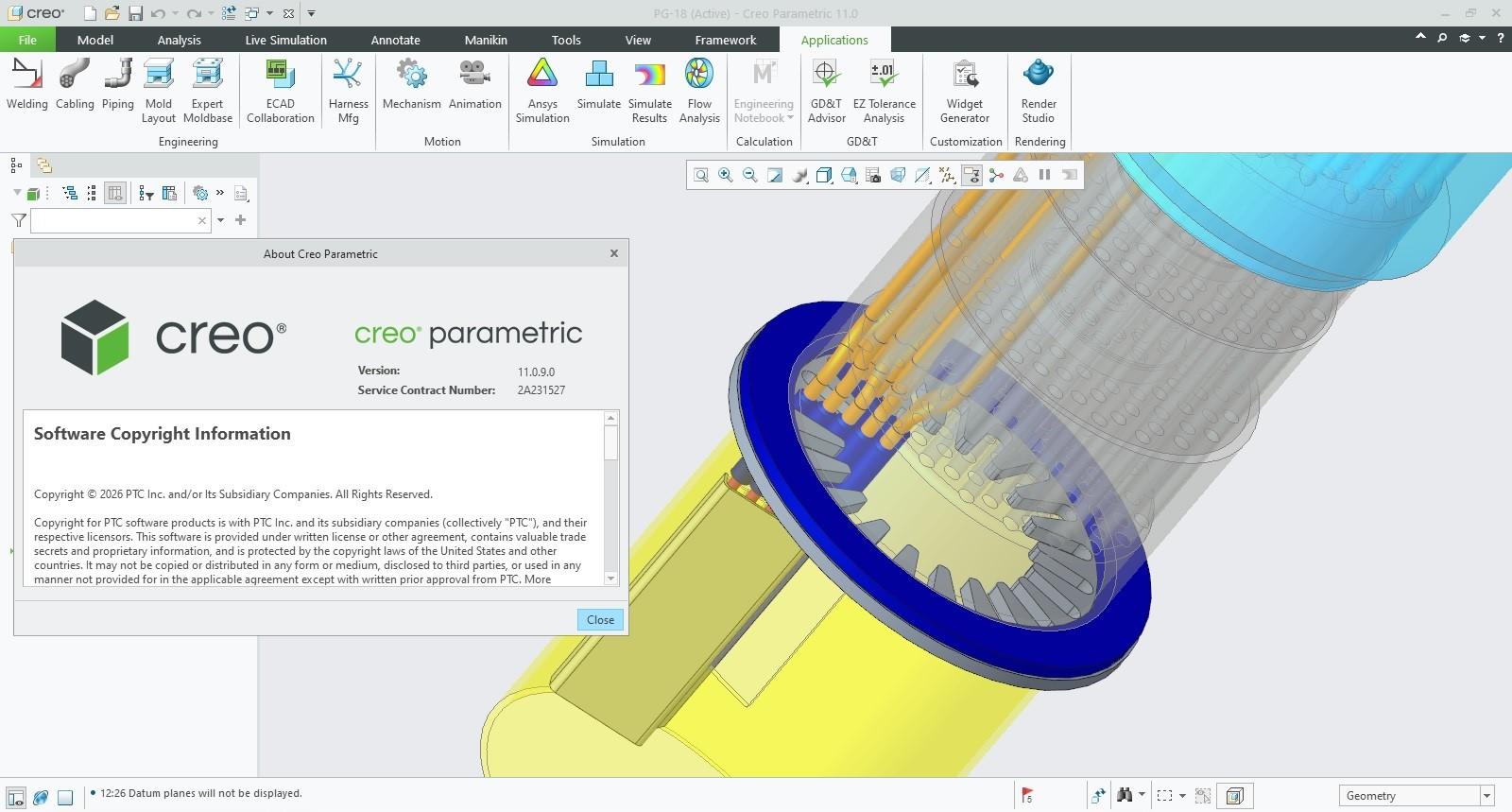
Download PTC Creo 11.0.9.0 + HelpCenter Win64 full license

Download PTC Creo 11.0.9.0 + HelpCenter Win64 full license

Link download PTC Creo 11.0.9.0 win64 full activated

Working with PTC Creo 11.0.9.0 full license

Description of PTC Creo 11.0.9.0

CAD/CAM/CAE system of the American company PTC (Parametric Technology Corporation) is a top-level CAD system and covers all areas of design, technological preparation of production and manufacture of the product. The wide range of capabilities of the 3D modeling device, the high quality of the result and its resistance to subsequent changes have made the Creo system one of the leaders of CAD/CAM/CAE-systems, and the presence of direct access to the life cycle support system Windchill PDMLink translates Creo into the PLM system.

Features of PTC Creo 11.0.9.0

Professional 3D CAD and product design environment
Parametric and feature-based 3D modeling
Direct modeling capabilities
Part and assembly design
Complex assembly management
Feature-based design tools
Design intent and parametric relationships
Advanced surface modeling
Sheet metal design capabilities
Mechanism and motion design tools
2D engineering drawing creation
Associative drawings and documentation
Dimensions, annotations, and detailing tools
Engineering design analysis and simulation options
Manufacturing-oriented design workflows
Support for complex product development
Design revision and configuration management
Integrated product development environment

If you want to download PTC Creo 11.0.9.0 full license, please click to DOWNLOAD button to download.
CLICKDOWN.ORG Download CAD CAM CNC software
Inside package PTC Creo 11.0.9.0, already have cracked files and instruction how to install PTC Creo 11.0.9.0 step by step. I guarantee you can install PTC Creo 11.0.9.0 successfully if you follow that instruction.
If you also can’t install it or get any problems, please contact to me by email: [email protected], then I will help you to install software by teamviewer or Ultraviewer or Anydesk.
Thanks a lot
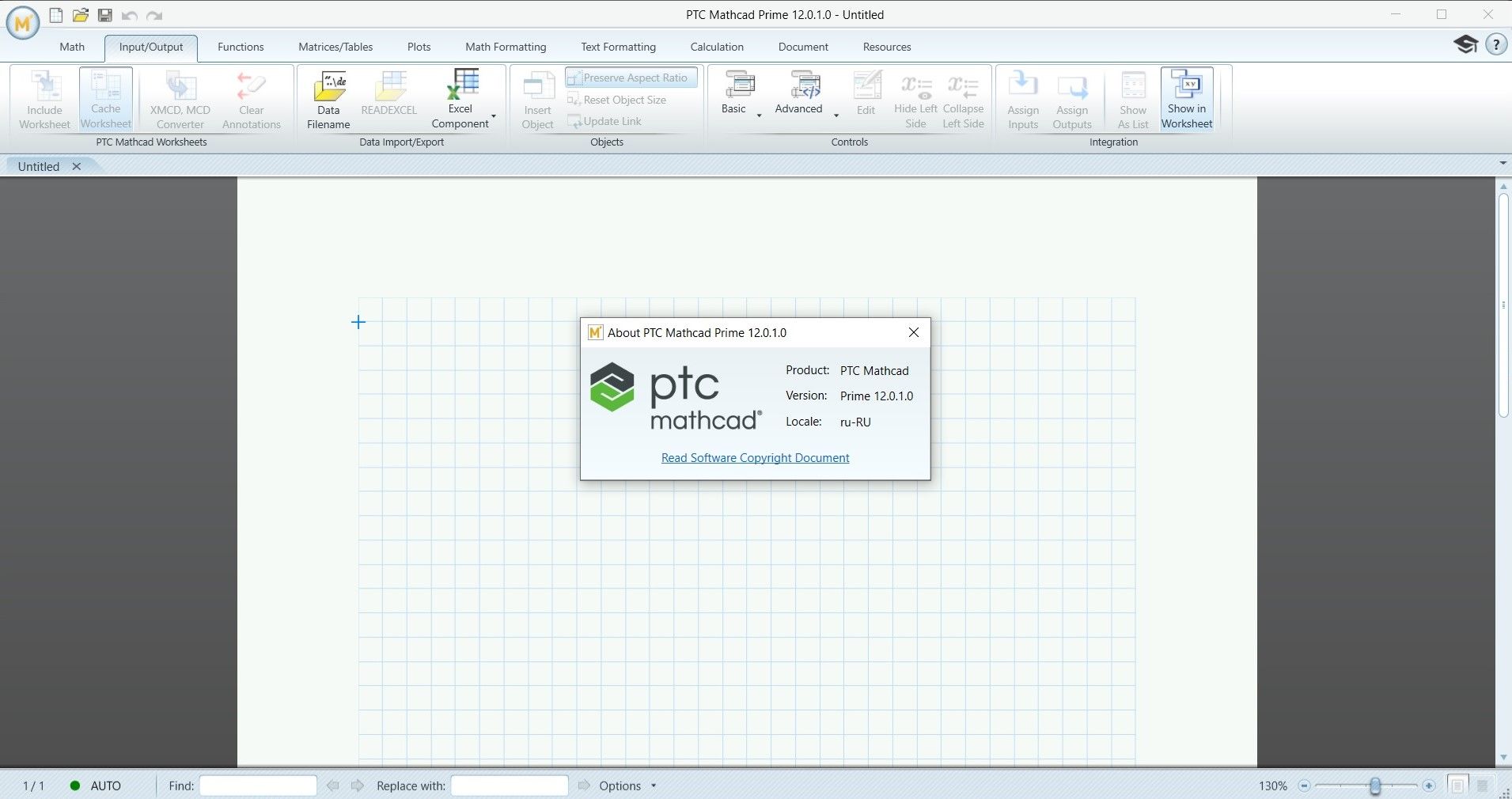
Download PTC Mathcad Prime 12.0.1.0 Win64 full license

Download PTC Mathcad Prime 12.0.1.0 x64 full license

Link download PTC Mathcad Prime 12.0.1.0 win64 full activated

Working with PTC Mathcad Prime 12.0.1.0 full license

Description of PTC Mathcad Prime 12.0.1.0

Mathcad is used for performing, documenting and sharing computing and engineering calculations. Mathcad allows you to combine engineering-oriented mathematical records, formatted texts, graphs and images into a single document, which facilitates visualization, verification and documentation of knowledge and joint execution of work. When entering the equations in the document, the results are calculated automatically.
Mathcad is reliable and has all the functionality necessary for computing, data processing and engineering calculations.
Mathcad allows you to take derivatives, calculate the roots of equations, analyze data, solve systems of equations and ordinary differential equations. When changing any number, variable or equation, an instantaneous recalculation of all data in a document is performed.
With Mathcad, it is easy to convert units of measurement from one system to another. Mathcad helps to find errors made in the units of measurement used in calculations. Units of measurement are supported in functions, graphs and arrays.
Data can be imported from Excel tables, analyzed and exported back to Excel. Mathcad easily integrates with other PTC engineering applications. Mathematical calculations can be transferred to Pro/ENGINEER and applied results to designs. Windchill Workgroup Manager can be used to distribute documents and calculations.

Features of PTC Mathcad Prime 12.0.1.0

Engineering Calculations: Perform complex mathematical and engineering calculations within interactive worksheets.
Natural Mathematical Notation: Create formulas using familiar mathematical notation for easier reading and documentation.
Units Management: Work with physical quantities and engineering units while reducing unit-conversion errors.
Symbolic Mathematics: Perform supported symbolic calculations and mathematical manipulation.
Numerical Calculations: Solve engineering problems using numerical methods and computational tools.
2D and 3D Plots: Visualize mathematical functions, engineering data, and calculation results.
Calculation Documentation: Combine formulas, results, graphics, and explanatory text in a single worksheet.
Matrix Operations: Work with matrices and arrays for advanced engineering calculations.
Data Analysis: Process engineering data and use calculations to evaluate technical results.
Reusable Components: Organize frequently used calculations and engineering methods for repeated projects.
Engineering Templates: Create structured calculation worksheets for consistent engineering workflows.
Professional Reporting: Present calculations in a clear format suitable for technical review and documentation.

If you want to download PTC Mathcad Prime 12.0.1.0 full license, please click to DOWNLOAD button to download.
CLICKDOWN.ORG Download CAD CAM CNC software
Inside package PTC Mathcad Prime 12.0.1.0, already have cracked files and instruction how to install PTC Mathcad Prime 12.0.1.0 step by step. I guarantee you can install PTC Mathcad Prime 12.0.1.0 successfully if you follow that instruction.
If you also can’t install it or get any problems, please contact to me by email: [email protected], then I will help you to install software by teamviewer or Ultraviewer or Anydesk.
Thanks a lot

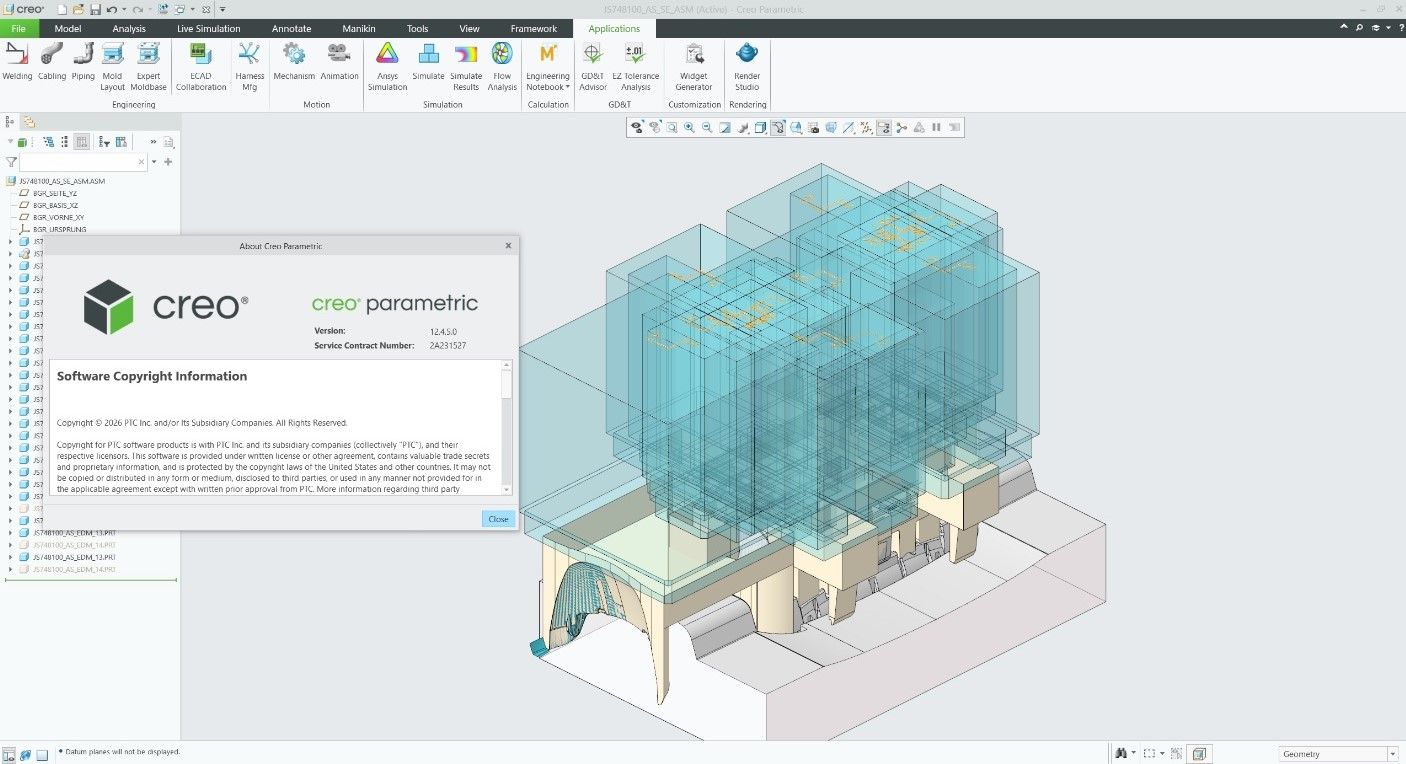
Download PTC Creo 12.4.5.0 win64 full license forever

Download PTC Creo 12.4.5.0 x64 full license

Link download PTC Creo 12.4.5.0 win64 full activated

Working with PTC Creo 12.4.5.0 full license

Description of PTC Creo 12.4.5.0

PTC Creo 12.4.5.0 is a professional computer-aided design (CAD) and product development platform designed for engineers, designers, and manufacturers. It provides a comprehensive environment for creating detailed 3D models, assemblies, technical drawings, and engineering documentation.

Creo combines parametric modeling with advanced design and manufacturing capabilities, helping product development teams move from initial concepts through detailed engineering and production preparation. Its feature-based approach allows designers to create adaptable models and make design changes efficiently.

Features of PTC Creo 12.4.5.0

3D Parametric Modeling: Create precise, feature-based 3D models with editable design parameters.
Part Design: Develop complex mechanical components using a wide range of modeling tools.
Assembly Design: Build and manage complex product assemblies and component relationships.
Feature-Based Modeling: Create designs using configurable features that can be modified throughout the development process.
Advanced Surface Modeling: Develop complex surfaces for products requiring sophisticated industrial or mechanical geometry.
2D Drafting: Generate detailed engineering drawings from 3D models.
Sheet Metal Design: Create and document sheet-metal components using specialized design tools.
Model-Based Design: Use 3D product information to support downstream engineering and manufacturing workflows.
Design Visualization: Review and communicate product designs using visualization capabilities.
Engineering Documentation: Create dimensions, annotations, notes, and detailed manufacturing documentation.
Design Automation: Use parametric relationships and reusable design approaches to reduce repetitive work.
Manufacturing Integration: Support workflows that connect product design with downstream manufacturing processes.
Product Development: Suitable for mechanical engineering, industrial equipment, automotive, aerospace, and other product-development applications.
Design Collaboration: Help engineering teams manage and communicate detailed product information throughout development.

Benefits of PTC Creo 12.4.5.0
PTC Creo 12.4.5.0 provides a flexible environment for developing products from concept through detailed engineering. Its parametric modeling capabilities allow designers to modify dimensions and design features while maintaining relationships throughout a model.

The software is particularly useful for engineering teams working on complex mechanical products where accuracy, design flexibility, assembly management, and detailed documentation are essential.

Conclusion
With powerful 3D parametric modeling, assembly design, advanced surfaces, sheet-metal tools, 2D drafting, visualization, and engineering documentation capabilities, PTC Creo 12.4.5.0 offers a comprehensive solution for modern product development. It is suitable for engineers and designers who need precise and adaptable CAD tools for complex mechanical design projects.

If you want to download PTC Creo 12.4.5.0 full license, please click to DOWNLOAD button to download.
CLICKDOWN.ORG Download CAD CAM CNC software
Inside package PTC Creo 12.4.5.0, already have cracked files and instruction how to install PTC Creo 12.4.5.0 step by step. I guarantee you can install PTC Creo 12.4.5.0 successfully if you follow that instruction.
If you also can’t install it or get any problems, please contact to me by email: [email protected], then I will help you to install software by teamviewer or Ultraviewer or Anydesk.
Thanks a lot

error: Content is protected !!
Scroll to Top