TRAINING COURSE

All The Training Courses are here

Download SolidWorks – Molded Part Design Training Videos DVD

Download SolidWorks – Molded Part Design Training Videos DVD

Link download solidworks – molded part design training course by videos

SolidWorks 2014-2016 - Molded Part Design training videos
SolidWorks 2014-2016 – Molded Part Design training videos
learn design mold in solidworks by videos - 50 videos 4.5hours
learn design mold in solidworks by videos – 50 videos 4.5hours

In this project-based SolidWorks – Molded Part Design video tutorial series, you’ll quickly have relevant skills for real-world applications.
Follow along with our expert instructor in this training course to get:
Concise, informative and broadcast-quality SolidWorks – Molded Part Design training videos delivered to your desktop
The ability to learn at your own pace with our intuitive, easy-to-use interface
A quick grasp of even the most complex SolidWorks – Molded Part Design subjects because they’re broken into simple, easy to follow tutorial videos
Practical working files further enhance the learning process and provide a degree of retention that is unmatched by any other form of SolidWorks – Molded Part Design tutorial, online or offline… so you’ll know the exact steps for your own projects.
CONTENT (4.5 hours)
01. Introduction
02. Getting Started
03. Simple Molded Part
04. Molded Features
05. Complex Molded Shapes
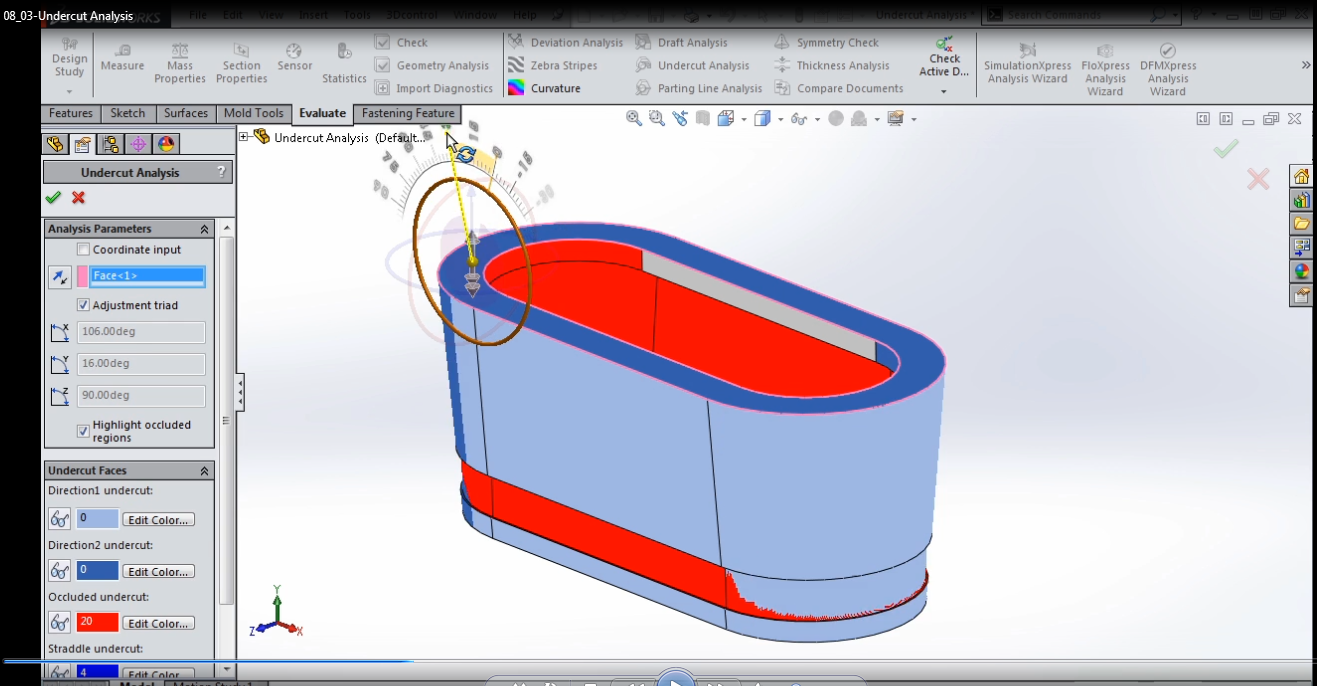
06. Parting Line Design
07. Manual Draft Fixes
08. Design Check
09. Multi-Body Complex Part Method
10. Wrap-Up
For downloading this videos coures, click download below sysmbol and check out to recieve download link automatically.
CLICKDOWN.ORG Download CAD CAM CNC software e1600323925412
Any feedback to admin via email: [email protected]
Thanks everybody

download training videos – SIEMENS Solid Edge Certification for Students

download training videos – SIEMENS Solid Edge Certification for Students

Learn to take SIEMENS Solid Edge Certification for Students

SIEMENS Solid Edge Certification for Students by videos

learn SIEMENS Solid Edge Certification for Students
videos SIEMENS Solid Edge Certification for Students
take SIEMENS Solid Edge Certification for Students

New! SIEMENS Solid Edge Certification for Students
Interested in 3D Mechanical Design? Want to improve your job skills?
This class will set you up to pass the Solid Edge Certified Associate Level 1 Exam.
If so, I’m inviting you to join my new Solid Edge Certification for Students course which has just launched on Udemy for free.
Look forward to seeing you in the course. Feel free to forward this to friends and colleagues who would benefit!
STAND OUT WITH SOLID EDGE CERTIFICATION
Even if you presently know nothing about 3D Design and Siemens Solid Edge this course is geared to accelerate you professional development and validate your skills by preparing you to pass the Solid Edge Level 1 certification exam with confidence. The class and the Siemens Solid Edge software are free to all students.
This course is not a shortcut to certification. To pass you will need to cover all the course material and spend time using and experimenting with Solid Edge and get industry recognized credentials.
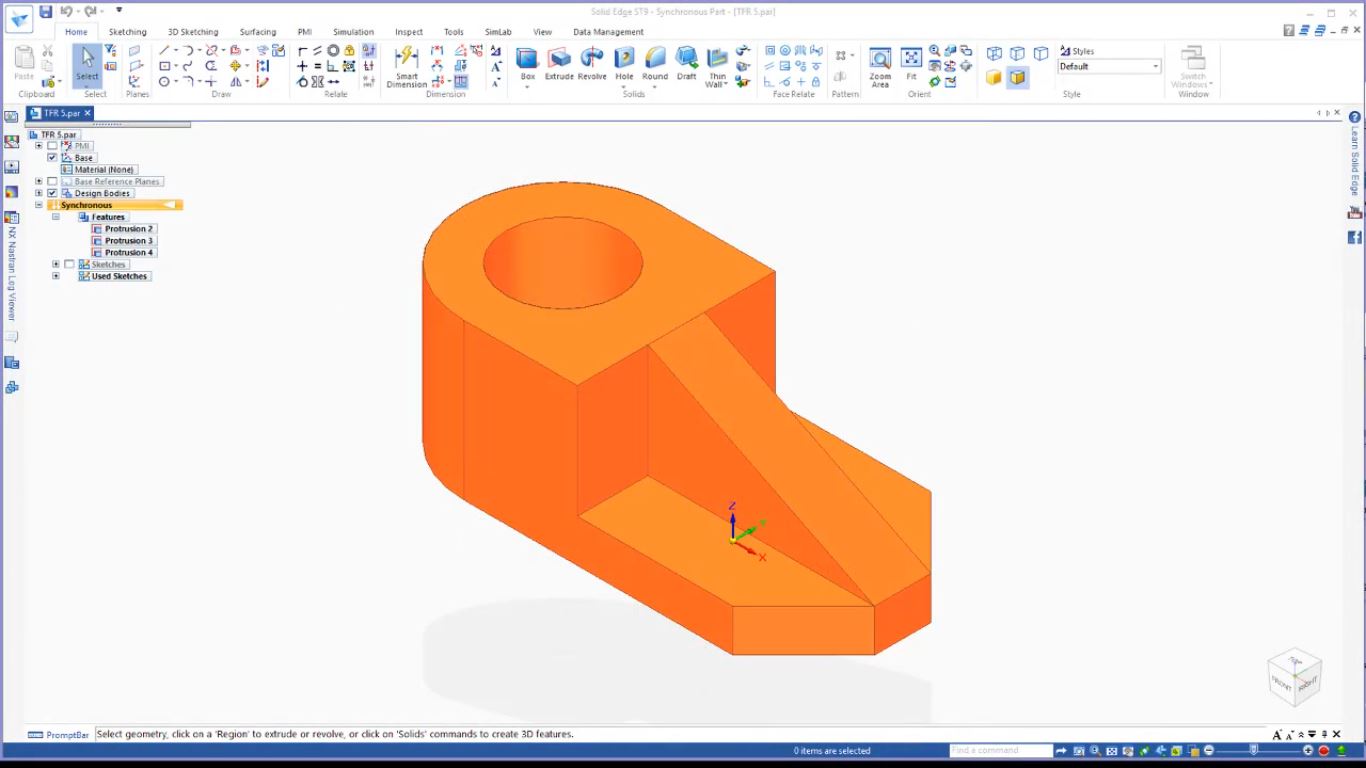
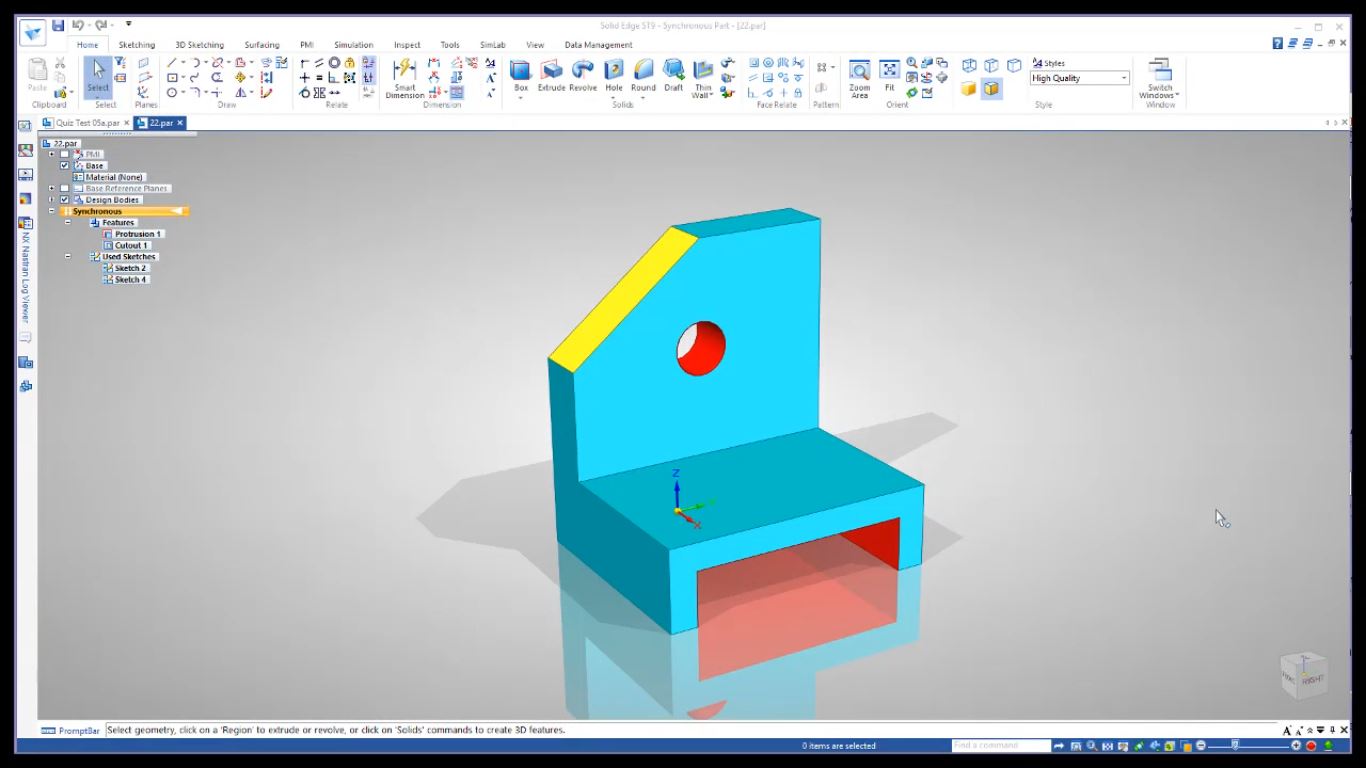
Solid Edge with Synchronous Technology is a computer-aided design (CAD) system for mechanical assembly, part modeling, drawing production, and simulation. Solid Edge boosts essential CAD user productivity by capturing engineers’ solid modeling design intentions through inference logic and decision-management concepts. Synchronous technology makes it possible to modify the design of any model, without having to know how it was constructed.
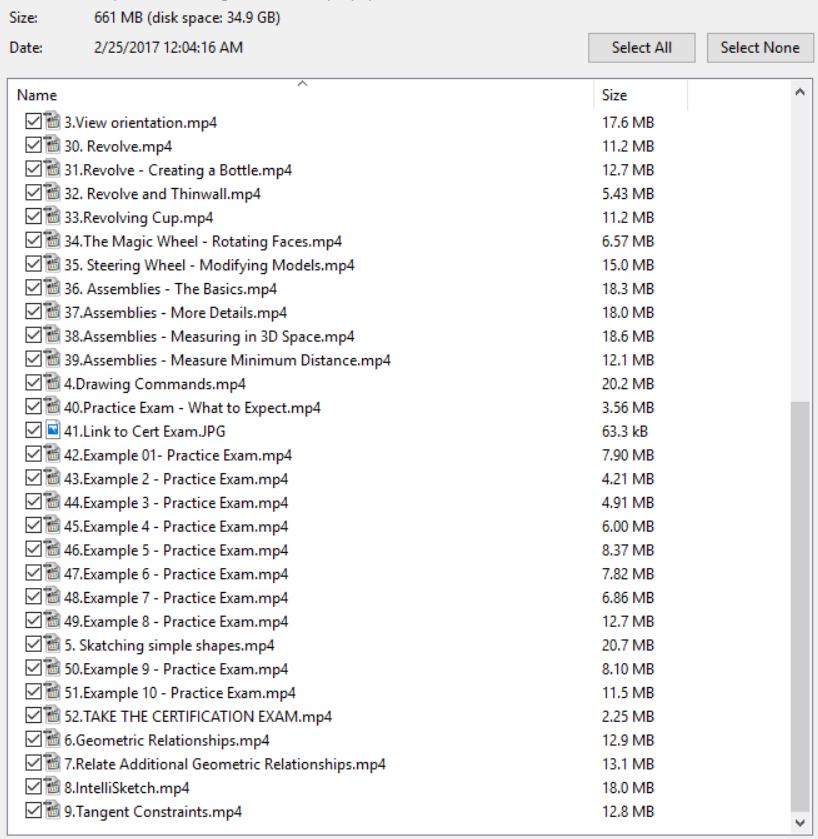
Contents (2.5hours)
2. 002 Basic Shapes
2:43
3. 003 View Orientation
4:16
4. 004 Drawing Commands
3:22
5. 005 Sketching Simple Shapes
5:41
6. 006 Geometric Relationships
1:56
7. 007 Relate: Additional Geometric Relationships
4:22
8. 008 IntelliSketch
3:33
9. 009 Tangent Constraints
4:19
10. 010 Creating and Dimensioning Sketches
2:48
11. 011 Using Geometric Constraints Together
3:17
12. 012 Crosshatch Sketch Options
3:07
13. 013 Understanding Reference Planes – Lock
3:34
14. 014 Reference Planes – Locking to a Face
3:40
15. 015 Area: Finding the area of a Sketch
3:52
16. 016 Why its Important to Center Parts Around the Axis
2:40
17. 017 Part Painter – Adding Color to Features and Faces
3:08
18. 018 Reference Planes – How to Create Your Own
4:25
19. 019 Trim Command – A Closer Look
4:11
20. 020 Sketching – Creating a Lego Block
3:58
21. 021 Sketching – Putting it All Together and Finding Area
3:51
22. 022 Understanding Why Part Orientation Matters
5:41
23. 023 Orientation and the Best Approach to 3D Design
4:19
24. 024 Physical Properties
4:16
25. 025 Selecting the Correct View to Start a 3D Model
0:56
26. 026 Project to Sketch
3:07
27. 027 Drawing Views
4:00
28. 028 Copy Rotate and Trim Commands
3:58
29. 029 Pattern Rotate 3D
3:56
30. 030 Revolve
2:58
31. 031 Revolve – Creating a Bottle
3:13
32. 032 Revolve and Thinwall
2:07
33. 033 Revolve: Cup
1:42
34. 034 The Magic Wheel – Rotating Faces
3:54
35. 35 Steering Wheel – Modifying Models
3:56
36. 036 Assemblies – The Basics
3:13
37. 037 Assemblies – More Details
2:55
38. 038 Assemblies – Measuring in 3D Space
3:07
39. 039 Assemblies – Measure Minimum Distance
4:36
40. 040 – Practice Exam – What to Expect
2:11
41. Certification Exam
0:00
42. Example 01- Practice Exam
1:49
43. Example 02 – Practice Exam
1:15
44. Example 03 – Practice Exam
1:54
45. Example 04 – Practice Exam
1:41
46. Example 05 – Practice Exam
2:11
47. Example 06 – Practice Exam
1:51
48. Example 07 – Practice Exam
1:58
49. Example 08 – Practice Exam
3:18
50. Example 09 – Practice Exam
2:09
51. Example 10 – Practice Exam
3:04
52. TAKE THE CERTIFICATION EXAM
For downloading this course for your studying, click download sysmbol and check out. The link will be appeared after that automatically.
CLICKDOWN.ORG Download CAD CAM CNC software e1600323925412
Any questions, contact admin via email: [email protected]
Thanks all

download CAMWorks Milling 2.5 & 3 Axis training course by videos

download CAMWorks Milling 2.5 & 3 Axis training course by videos

download camworks videos for learning 2.5 – 3axis milling

Learning CAMWorks Fundamentals - Milling 2.5 & 3 by videos
Learning CAMWorks Fundamentals – Milling 2.5 & 3 by videos
CAMWorks Fundamentals Milling 2.5 3 Axis training videos
download CAMWorks Fundamentals - Milling 2.5 & 3 Axis DVD
download CAMWorks Fundamentals – Milling 2.5 & 3 Axis DVD

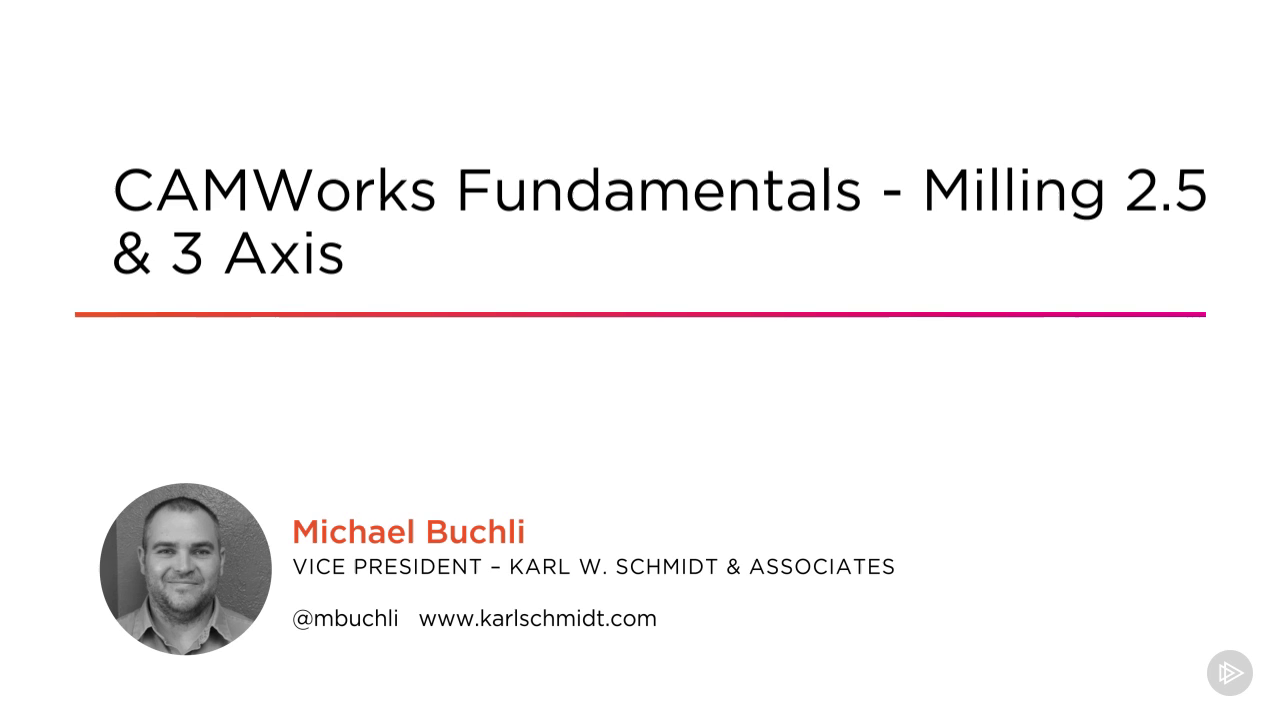
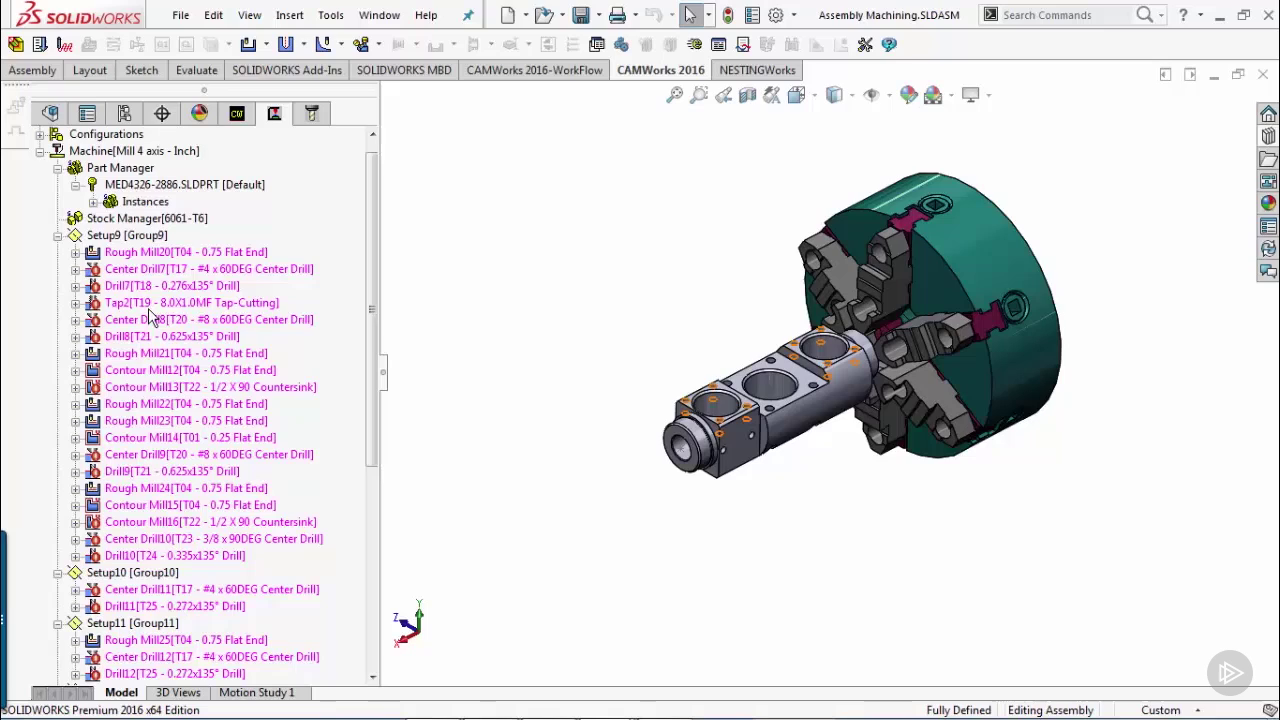
CAMWorks was the first Gold Level Solution Partner in CAM for SOLIDWORKS released back in the ’90s, and since then, it has been redesigned and built from the ground up to work 100% with SOLIDWORKS and 100% in the Windows environment. In this course, CAMWorks Fundamentals – Milling 2.5 & 3 Axis, you’ll create, edit, and generate basic mill programs, you’ll be able to pick the tools, make the adjustments, and get the program out the way you want to. First you’ll learn about the basic setup and understand the interface. Next, you’ll learn about automating programming using feature recognition, and tolerance-based machining. Finally, you’ll learn all about 4 and 5 axis fundamentals, as well as the setup and basic programming structure that goes with it. By the end of this course, you’ll be able to program basic parts within CAMWorks, SOLIDWORKS, or SolidEdge, depending upon which CAD Package you’re currently using.
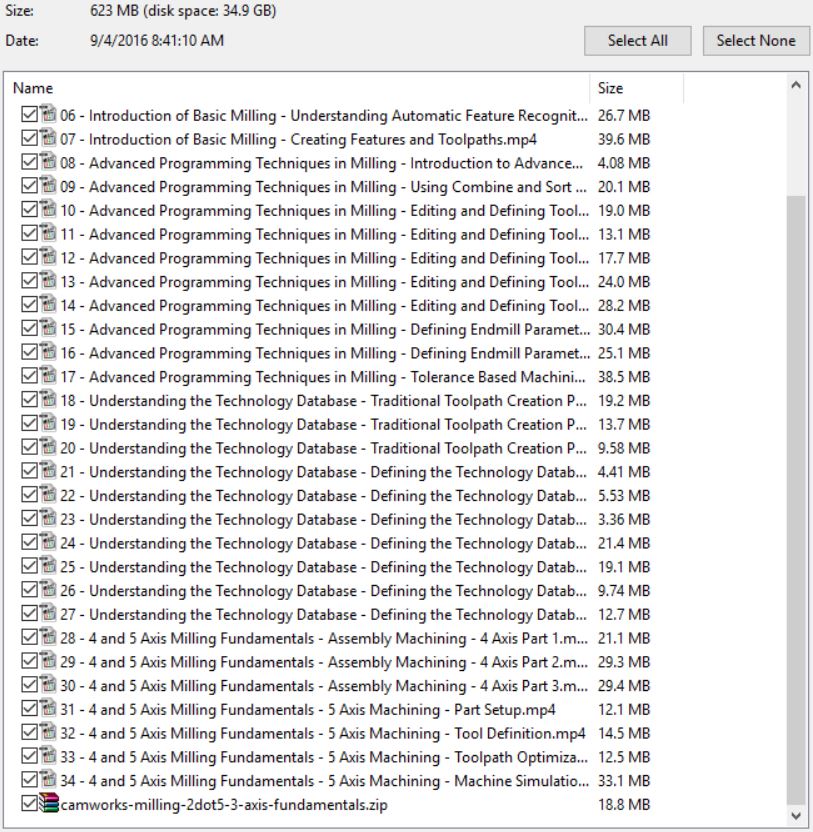
content (2h 31m)
1.Course Overview 1m 54s
2.Introduction of Basic Milling 30m 41s
3.Advanced Programming Techniques in Milling 47m 58s
4.Understanding the Technology Database 37m 1s
5.4 and 5 Axis Milling Fundamentals 33m 47s
For downloading this good course for your learning camworks, click download sysmbol to take this, the download link will appeare automatically after your checkout.
CLICKDOWN.ORG Download CAD CAM CNC software e1600323925412
Any questions, contact to admin for support: [email protected]
Thank all

download CATIA V5 Essentials: Symmetry and Patterns training videos

download CATIA V5 Essentials: Symmetry and Patterns training videos

Link download CATIA V5 Essentials: Symmetry and Patterns training course

catia training - symmetry and patterns
catia training – symmetry and patterns
CATIA V5 Essentials Symmetry and Patterns training videos

Symmetry is very important when creating plastic or forged parts. Patterns are a simple and easy method to add design changes to existing models. In this course, CATIA V5 Essentials: Symmetry and Patterns, first you’ll learn techniques to create a multifeature 3D part. Next, you’ll gain an understanding on how to apply symmetry at the sketch level and feature level. Finally you’ll wrap the course by spending some time acquiring skills to apply different types of patterns. By the end of this course, you’ll become proficient in creating symmetrical parts and applying patterns to existing 3D part models.

Course Overview 1m 21s
Symmetry 58m 16s
Module Overview 1m 2s
Multifeature Design Techniques 10m 7s
Symmetry at Sketch Level 10m 37s
Symmetry at Feature Level 7m 13s
Ratchet Transition 4m 54s
Ratchet Head 8m 45s
Offset Entities, Hole Feature, and Fillets 14m 32s
Summary 1m 3s
Patterns 41m 47s
Module Overview 0m 55s
Rectangular Pattern 16m 48s
Circular Pattern 8m 51s
Reference Planes and Mirroring Tools 8m 31s
User Pattern 5m 19s
Summary 1m 21s
If you want this course, click download sysmbol and check out, the link will automatically appeared.
CLICKDOWN.ORG Download CAD CAM CNC software e1600323925412
Any question, contact admin: [email protected]
Thank all

download Autodesk Maya 2016 training videos course

download Autodesk Maya 2016 training videos course

Learning Autodesk Maya 2016 basic to advance by videos

Learning Autodesk Maya 2016 by videos
Autodesk Maya 2016 training videos course

This Learning Autodesk Maya 2016 tutorial, expert and author Todd Palamar teach you the basic fundamentals of Autodesk Maya. This course is designed for the absolute beginner, this means no previous experience with Autodesk Maya is not required. You will begin to visit Maya interface, and then go to study units and conversions. From there, Todd will teach you about polygon modeling, including how to choose a training ground components, extruding faces, and how to squeeze out along the curve. This video tutorial also covers texturing, rigging and weighting, and animation. Finally, you will learn about rendering with Mental Ray. Once you have completed this computer-based training course, you will be fully capable of modeling, texturing, animating and rendering in Autodesk Maya. Work files are included, so you can follow along with the author during many lessons.
CONTENT
01. Introduction
02. The Maya Interface
03. Nodes And Transformations
04. Polygon Modeling
05. Texturing
06. Rigging and Weighting
07. Animation
08. Rendering With Mental Ray
09. Conclusion

For download this course for your learning, click to DOWNLOAD sysmbol. The link will be appeared after your checkout.
CLICKDOWN.ORG Download CAD CAM CNC software e1600323925412
Any questions, contact to admin for support: [email protected]
Thanks all

error: Content is protected !!
Scroll to Top