2026

Download GEOVIA MineSched 2022 Refresh1 x64 full activated

Download GEOVIA MineSched 2022 Refresh1 full license

Link download GEOVIA MineSched 2022 Refresh1 full activated
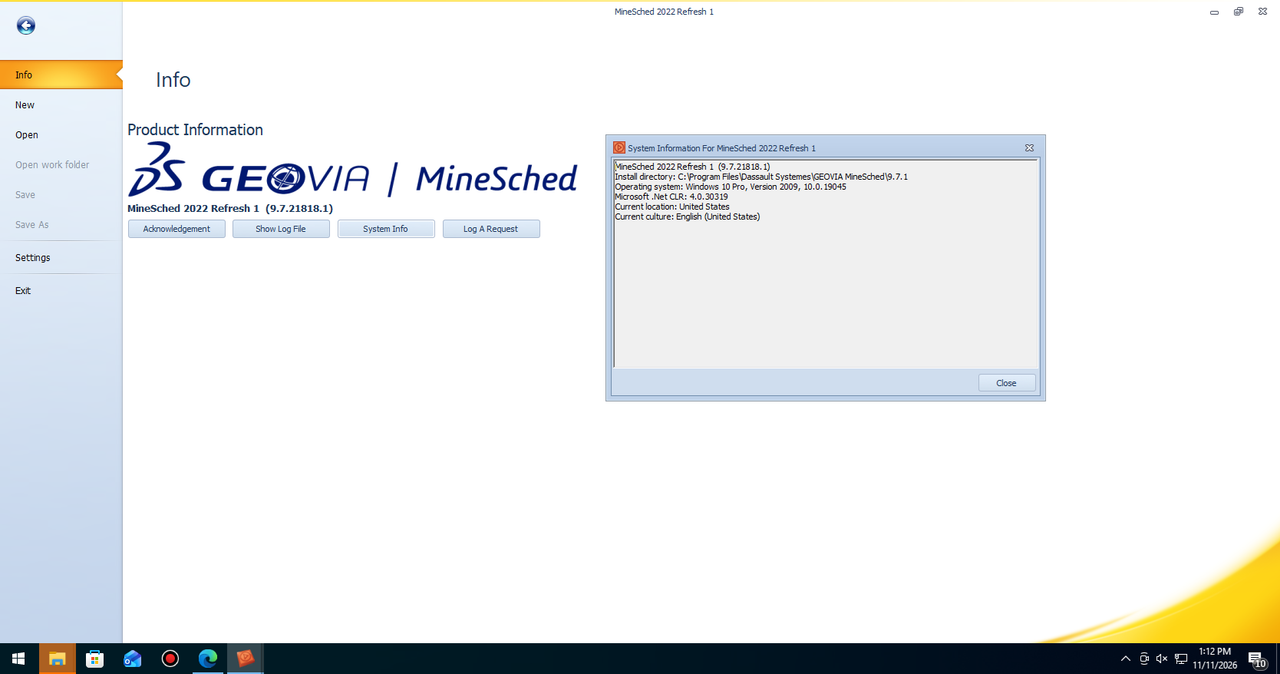
Working with GEOVIA MineSched 2022 Refresh1 full activated

Description of GEOVIA MineSched 2022 Refresh1

GEOVIA MineSched 2022 Refresh 1 is a professional mine planning and scheduling software developed by Dassault Systèmes. It is designed to help mining engineers, mine planners, and geological professionals create, analyze, and optimize mining schedules for both open-pit and underground mining operations.

GEOVIA MineSched provides advanced tactical mine planning capabilities, allowing users to develop long-term, medium-term, and short-term production schedules based on geological models, mining locations, production targets, and operational constraints.

The 2022 Refresh 1 release introduces several improvements to mining workflows, including expanded support for the Benches mining method, enhanced priority management for underground ancillary activities, and improved graphical results export with additional SDM attributes.

With its scheduling tools, production planning capabilities, and integration with other GEOVIA solutions, MineSched helps mining professionals improve operational planning, evaluate production scenarios, and manage mining activities more efficiently.

Whether you are working with open-pit mines, underground operations, or complex mining projects, GEOVIA MineSched 2022 Refresh 1 provides a comprehensive environment for tactical mine planning and production scheduling.

Features of GEOVIA MineSched 2022 Refresh1

– Advanced Mine Scheduling: Create tactical mine production schedules for open-pit and underground mining operations.
– Open-Pit Mine Planning: Schedule mining benches, pit push-backs, blast locations, and material extraction activities.
– Underground Mine Scheduling: Plan underground development activities, stope production, and material movement.
– Benches Mining Method: Use the expanded Benches mining method in the SDM Model workflow for greater flexibility when scheduling optimized stope shapes.
– Ancillary Activity Priorities: Assign priority values to underground production-related ancillary activities to improve short-term planning.
– Production Planning: Organize mining activities according to production targets, operational requirements, and scheduling constraints.
– Graphical Results Export: Export graphical scheduling results with SDM files enriched with important schedule attributes.
– 3D Visualization: Visualize mining locations, production activities, and scheduling results in a 3D environment.
– Mining Scenario Analysis: Compare different scheduling scenarios to evaluate production strategies and operational performance.
– Improved Software Stability: Includes fixes and stability improvements for mining directions, quality targets, the Graphical Sequencer, and underground development profiles.
– GEOVIA Integration: Work with other GEOVIA mine planning solutions, including Surpac, for improved data exchange and visualization.

Applications of GEOVIA MineSched 2022
GEOVIA MineSched is suitable for various mining and engineering applications:
– Open-pit mine planning and production scheduling.
– Underground mine development and production planning.
– Short-term and long-term tactical mine scheduling.
– Mining resource and equipment allocation.
– Production target and quality management.
– Mining sequence and operational optimization.
– Geological and mineral resource management.

If you want to download GEOVIA MineSched 2022 Refresh1 full license, please click to DOWNLOAD button to download.

CLICKDOWN.ORG Download CAD CAM CNC software
Inside package GEOVIA MineSched 2022 Refresh1, already have cracked files and instruction how to install GEOVIA MineSched 2022 Refresh1 step by step. I guarantee you can install GEOVIA MineSched 2022 Refresh1 successfully if you follow that instruction.
If you also can’t install it or get any problems, please contact to me by email: [email protected], then I will help you to install software by teamviewer or Ultraviewer or Anydesk.
Thanks a lot
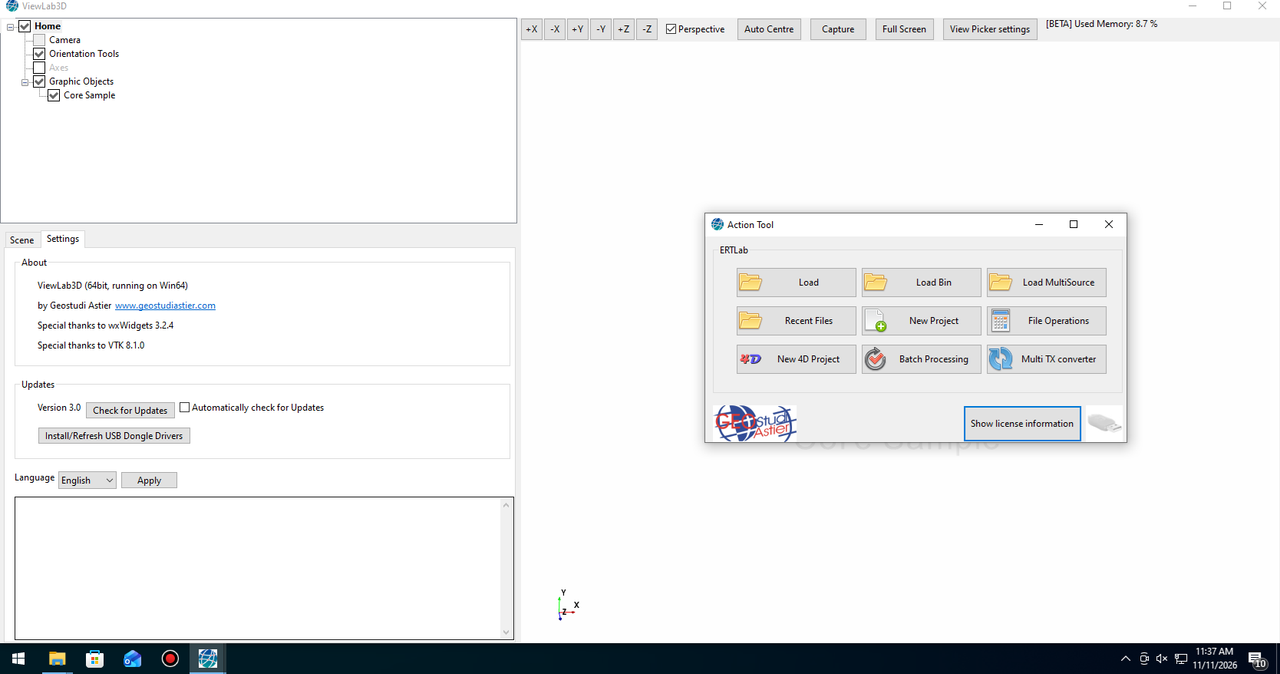
Download ERTLab Studio 3.0 full activated 100% working

Download ERTLab Studio 3.0 full license

Link download ERTLab Studio 3.0 full activated

Working with ERTLab Studio 3.0 full activated

Description of ERTLab Studio 3.0

ERTLab Studio is our most advanced modeling and inversion software for all your 2D, 3D, or 4D electrical resistivity tomography and induced polarization (ERT) needs.

A completely revamped version with a new graphical interface capable of managing the entire survey campaign (from electrode geometry generation to processed data presentation) in a single, integrated 3D workspace.

All individual ERT modules from previous versions are now incorporated into a comprehensive 3D graphical environment. This gives the user full control over the project workflow in a single application.

Specifically, three-dimensional graphical objects (cubes, spheres, blocks) can be generated, allowing for clearer orientation of the displayed resistivity volume. The software also allows importing .dxf files, raster images, and point clouds.

Improve your electrical tomography workflow and expand the applications of geoelectrical surveys to new markets.

Features of ERTLab Studio 3.0

– 2D, 3D, and 4D Modeling: Process and interpret electrical resistivity tomography and induced polarization data in multiple dimensions.
– Electrode Geometry Design: Create customized electrode configurations for surface, cross-borehole, and surface-to-borehole surveys.
– Sequence Generation: Generate measurement sequences for different electrode arrays and survey configurations.
– Data Import and Processing: Import geoelectrical measurements and perform preprocessing, statistical analysis, and data filtering.
– Advanced Data Inversion: Perform resistivity and chargeability inversion to investigate subsurface properties.
– 3D Visualization: Visualize resistivity models, geological structures, measurements, and survey results in an integrated 3D environment.
– Custom Mesh Generation: Configure mesh dimensions, cell sizes, boundary conditions, topography, and geological layers.
– Forward Modeling: Calculate forward models of resistivity and chargeability for geophysical investigations.
– Sensitivity Analysis: Evaluate model sensitivity to support survey design and inversion workflows.
– Time-Lapse 4D Projects: Compare measurements and models from different survey periods to monitor subsurface changes.
– Topography Integration: Import topographic information and incorporate terrain geometry into geoelectrical models.
– Advanced Data Visualization: Display model sections, volumes, isosurfaces, and other graphical representations.

Applications of ERTLab Studio 3.0
ERTLab Studio is suitable for several professional applications:
– Geological and geophysical investigations.
– Groundwater exploration and monitoring.
– Environmental and hydrogeological studies.
– Civil engineering and construction site investigations.
– Archaeological and underground structure surveys.
– Electrical resistivity and induced polarization research.
– Subsurface monitoring and time-lapse analysis.

If you want to download ERTLab Studio 3.0 full license, please click to DOWNLOAD button to download.
CLICKDOWN.ORG Download CAD CAM CNC software
Inside package ERTLab Studio 3.0, already have cracked files and instruction how to install ERTLab Studio 3.0 step by step. I guarantee you can install ERTLab Studio 3.0 successfully if you follow that instruction.
If you also can’t install it or get any problems, please contact to me by email: [email protected], then I will help you to install software by teamviewer or Ultraviewer or Anydesk.
Thanks a lot

Download BIM Academy Titan v1.4 Pro for Autodesk Advance Steel 2027

Download BIM Academy Titan v1.4 Pro x64 full license

Link download BIM Academy Titan v1.4 Pro win64 full activated

Working with BIM Academy Titan v1.4 Pro full activated

Description of BIM Academy Titan v1.4 Pro

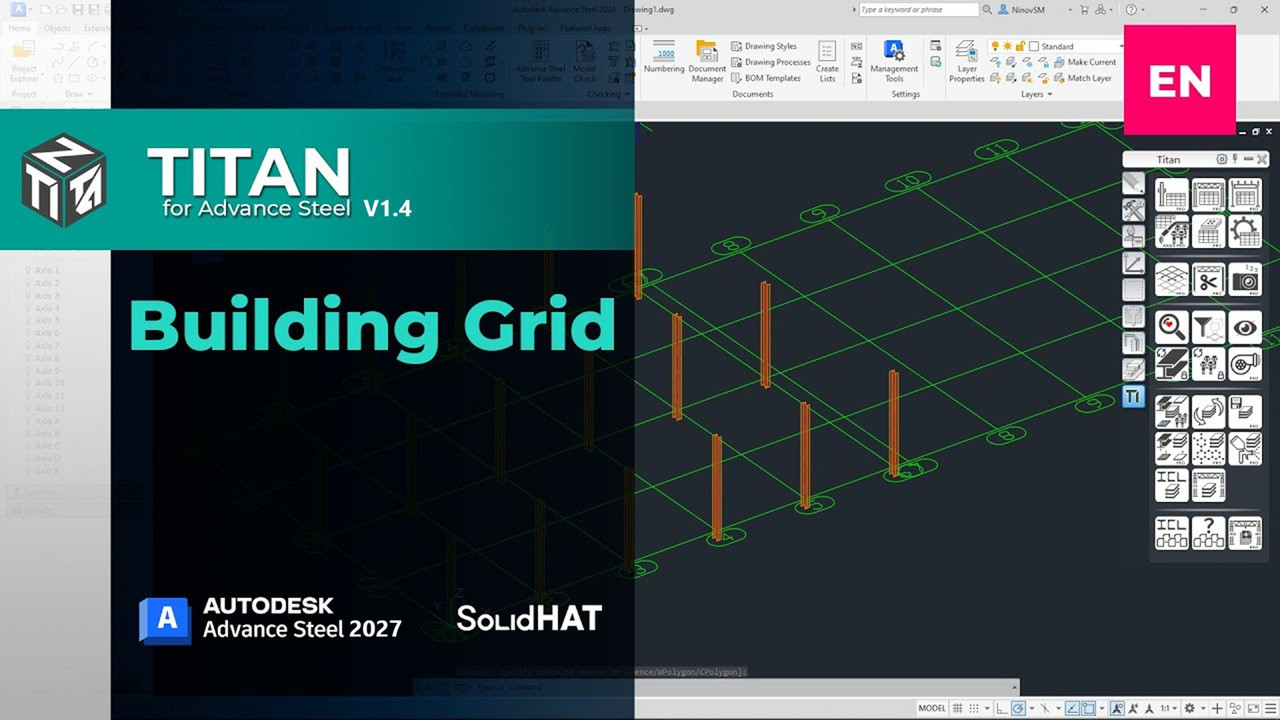
BIM Academy Titan v1.4 Pro for Autodesk Advance Steel 2027 is a specialized software add-on designed to enhance structural steel modeling and detailing workflows within Autodesk Advance Steel. It provides additional tools and productivity features to help structural engineers, steel detailers, BIM professionals, and designers work more efficiently on steel construction projects.

Features of BIM Academy Titan v1.4 Pro

– Advanced Steel Modeling: Supports structural steel modeling workflows within Autodesk Advance Steel.
– Productivity Tools: Helps simplify repetitive operations and improve daily detailing tasks.
– Steel Detailing Support: Assists users in organizing and managing structural steel detailing workflows.
– Connection Workflows: Supports workflows involving structural steel connections and related components.
– BIM Integration: Works within the Autodesk Advance Steel environment for BIM-based structural design.
– Model Management: Helps improve the organization and handling of structural steel model components.
– Documentation Workflow: Supports drawing and documentation processes for steel construction projects.
– Workflow Optimization: Helps reduce repetitive tasks and improve overall modeling efficiency.
– Professional Steel Design: Suitable for structural engineers, steel detailers, and BIM specialists.
– Autodesk Advance Steel 2027 Compatibility: Designed for workflows associated with Autodesk Advance Steel 2027.

Who Should Use BIM Academy Titan v1.4 Pro?
This software is suitable for:
– Structural engineers and designers.
– Steel detailers and fabricators.
– BIM modelers and coordinators.
– Construction engineering professionals.
– Autodesk Advance Steel users.
– Structural steel design companies.

If you want to download BIM Academy Titan v1.4 full license, please click to DOWNLOAD button to download.
CLICKDOWN.ORG Download CAD CAM CNC software
Inside package BIM Academy Titan v1.4, already have cracked files and instruction how to install BIM Academy Titan v1.4 step by step. I guarantee you can install BIM Academy Titan v1.4 successfully if you follow that instruction.
If you also can’t install it or get any problems, please contact to me by email: [email protected], then I will help you to install software by teamviewer or Ultraviewer or Anydesk.
Thanks a lot
Download Adobe Premiere Pro 2027 v27.0 x64 full activated

Download Adobe Premiere Pro 2027 v27.0 win64 full license

Link download Adobe Premiere Pro 2027 v27.0 x64 full activated

Working with Adobe Premiere Pro 2027 v27.0 full activated

Description of Adobe Premiere Pro 2027 v27.0

Adobe Premiere Pro is one of the most widely used and recognized video editing software and film production utility worldwide, used by Hollywood filmmakers, YouTubers, and creators globally. It serves as a high-performance video editing program for Windows operating systems, transforming raw footage into perfect films and videos. The software’s structure is meticulously designed to streamline the workflow from 8K formats to Virtual Reality, with a flexible proxy and file management system.

A key feature that makes this software a superb tool for learning how to use Premiere Pro to its fullest potential is its powerful color management toolset, the Lumetri Color Tool, which allows for highly precise color curve and blending adjustments. This is combined with the Essential Sound control panel for quickly reducing or eliminating noise and echoes. Furthermore, it includes Motion Graphics templates that support drag-and-drop spreadsheet creation for automatic infographic generation, significantly reducing the time spent on complex tasks.

With its seamless integration with the Adobe Creative Cloud suite of programs, including After Effects, Audition, and Adobe Stock, Premiere Pro is widely praised by the global video editing and creator community as one of the best motion graphics templates and most powerful editing programs. It simplifies media production and elevates video standards to a professional level. If you’re looking for high-quality video editing software, downloading and installing Premiere Pro for PC is the perfect solution.

Features of Adobe Premiere Pro 2027 v27.0

– Professional Video Editing: Edit, trim, split, arrange, and combine video clips with a flexible editing timeline.
– Advanced Timeline: Manage multiple video and audio tracks for complex editing projects.
– AI-Powered Editing Tools: Improve editing workflows with intelligent features and automated assistance.
– Color Correction and Grading: Adjust exposure, contrast, saturation, and colors using professional color tools.
– Visual Effects and Transitions: Enhance videos with creative effects, transitions, and animation controls.
– Audio Editing: Adjust audio levels, improve sound quality, and synchronize audio with video.
– Motion Graphics: Create animated titles, captions, and professional graphic elements.
– Multi-Camera Editing: Synchronize and edit footage from multiple camera angles.
– Wide Format Support: Work with various video formats, resolutions, and frame rates.
– Adobe Creative Cloud Integration: Connect your editing workflow with other Adobe creative applications.

Who Should Use Adobe Premiere Pro 2027?
Adobe Premiere Pro 2027 is suitable for:
– Professional video editors and filmmakers.
– YouTube creators and content producers.
– Marketing and advertising professionals.
– Social media video creators.
– Students learning video production.
– Multimedia designers and creative professionals.

If you want to download Adobe Premiere Pro 2027 v27.0 full license, please click to DOWNLOAD button to download.
CLICKDOWN.ORG Download CAD CAM CNC software
Inside package Adobe Premiere Pro 2027 v27.0, already have cracked files and instruction how to install Adobe Premiere Pro 2027 v27.0 step by step. I guarantee you can install Adobe Premiere Pro 2027 v27.0 successfully if you follow that instruction.
If you also can’t install it or get any problems, please contact to me by email: [email protected], then I will help you to install software by teamviewer or Ultraviewer or Anydesk.
Thanks a lot

Download Carlson Civil Suite 2027 build 261030 win64 full

Download Carlson Civil Suite 2027 x64 full license

Link download Carlson Civil Suite 2027 win64 full activated

Working with Carlson Civil Suite 2027 full activated

Description of Carlson Civil Suite 2027

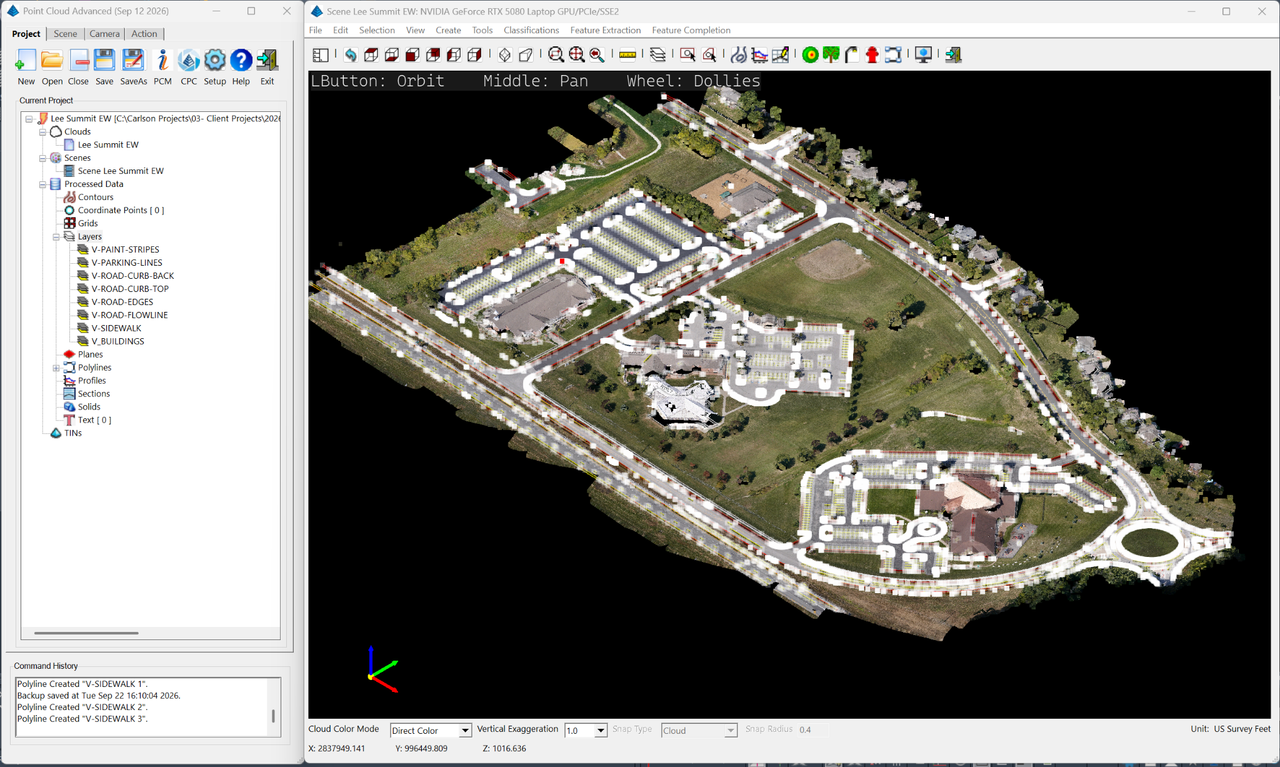
Carlson Civil Suite 2027 is a package of applied programs on the AutoCAD 2000-2027 and IntelliCAD platforms for work in surveying, geology, creation of digital terrain models, design of general plans, GIS, mining. The full version of Carlson Civil Suite includes the following programs: Survey, Civil Design, Hydrology, GIS, Construction, Takeoff, Field, Natural Regrade, Point Cluids, Basic Mining, GeoTech, Geology, Underground Mining, Surface Mining and SurvGNSS. These modules can work both separately and together.

Functional capabilities:
– automation of processing of geodetic survey data;
– input and analysis of well data, creation of a geological model of a deposit;
– creation of geological maps in isolines, sections;
– reserve assessment;
– design of open pit and underground works;
– production planning and determination of equipment loading schedules.

Features of Carlson Civil Suite 2027

1. Road Network — road design
– Custom pavement edges — more flexible configuration of pavement boundaries at intersections.
– Support for minimum cut and fill depths (Minimum Cut and Fill Depths) directly in road templates.
– New Subgrade ID Library for managing identifiers of subgrade structural layers.
– Improved work with intersections and road element configurations.
This is useful when designing complex road junctions and when it is necessary to control the subgrade design.

2. Design Pad — vertical planning
– Added standard contour settings (Standard Contouring Options).
– Improved integration of the designed surface with the existing terrain.
– Added additional slope line styles.
– New REPAD family procedures have appeared.
The improvements in the integration of the existing and designed surfaces are especially interesting – this is one of the frequently used stages in site design.

3. Draw Profile – longitudinal profiles
– Support for mixed vertical and circular curves.
– Additional options for placing labels.
– Import and export of profiles to LandXML with support for mixed curve types.
This expands the possibilities of exchanging longitudinal profiles with other CAD systems and makes working with non-standard geometry more flexible.

4. Quick Sections – cross-sections
– Ability to save MXS files.
– Calculation of volumes by cross-sections directly in Quick Sections.
The second change is especially useful: you can quickly obtain volumes by cross-sections without having to go through separate calculation procedures.

5. SiteNet — Earthworks and Volumes
One of the most interesting changes in 2027 is the development of the Custom Layer Targets system. Now you can create your own target layers (Custom Layer Targets) that are used in earthworks calculations.
In particular:
– Organization of additional design elements: landscaping, lighting, and other objects that are not directly surfaces.
– Calculation of volumes at different stages of the project: preliminary planning, intermediate state, as-built survey.
– Use of custom layers in common SiteNet procedures.
– The Set Layer for Custom, Make User-Defined Surface, and Set Active Surfaces for Calculate Total Volumes commands now support custom targets.
The new command allows you to sequentially view surfaces at different stages of the project — from the initial relief to the final design surface. This is convenient when you need to monitor terrain changes and compare several layout options.

6. IFC and 3D models.
Improved support for IFC and solid models:
– Expanded IFC support.
– Added the ability to batch convert multiple IFC files to DWG (IFC2DWG).
– Improved work with 3D objects.
This is useful when interacting with BIM models and when receiving source data from related designers.

If you want to download Carlson Civil Suite 2027 full license, please click to DOWNLOAD button to download.
CLICKDOWN.ORG Download CAD CAM CNC software
Inside package Carlson Civil Suite 2027, already have cracked files and instruction how to install Carlson Civil Suite 2027 step by step. I guarantee you can install Carlson Civil Suite 2027 successfully if you follow that instruction.
If you also can’t install it or get any problems, please contact to me by email: [email protected], then I will help you to install software by teamviewer or Ultraviewer or Anydesk.
Thanks a lot

error: Content is protected !!
Scroll to Top