Download CAMWorks 2025 SP3 for SolidWorks 2024-2025 win64
Link download CAMWorks 2025 SP3 for SolidWorks 2024-2025 x64
Interface language: Multilingual
System Requirements: pre-installed SolidWorks 2024-2025
Description of CAMWorks 2025 SP3 for SolidWorks 2024-2025
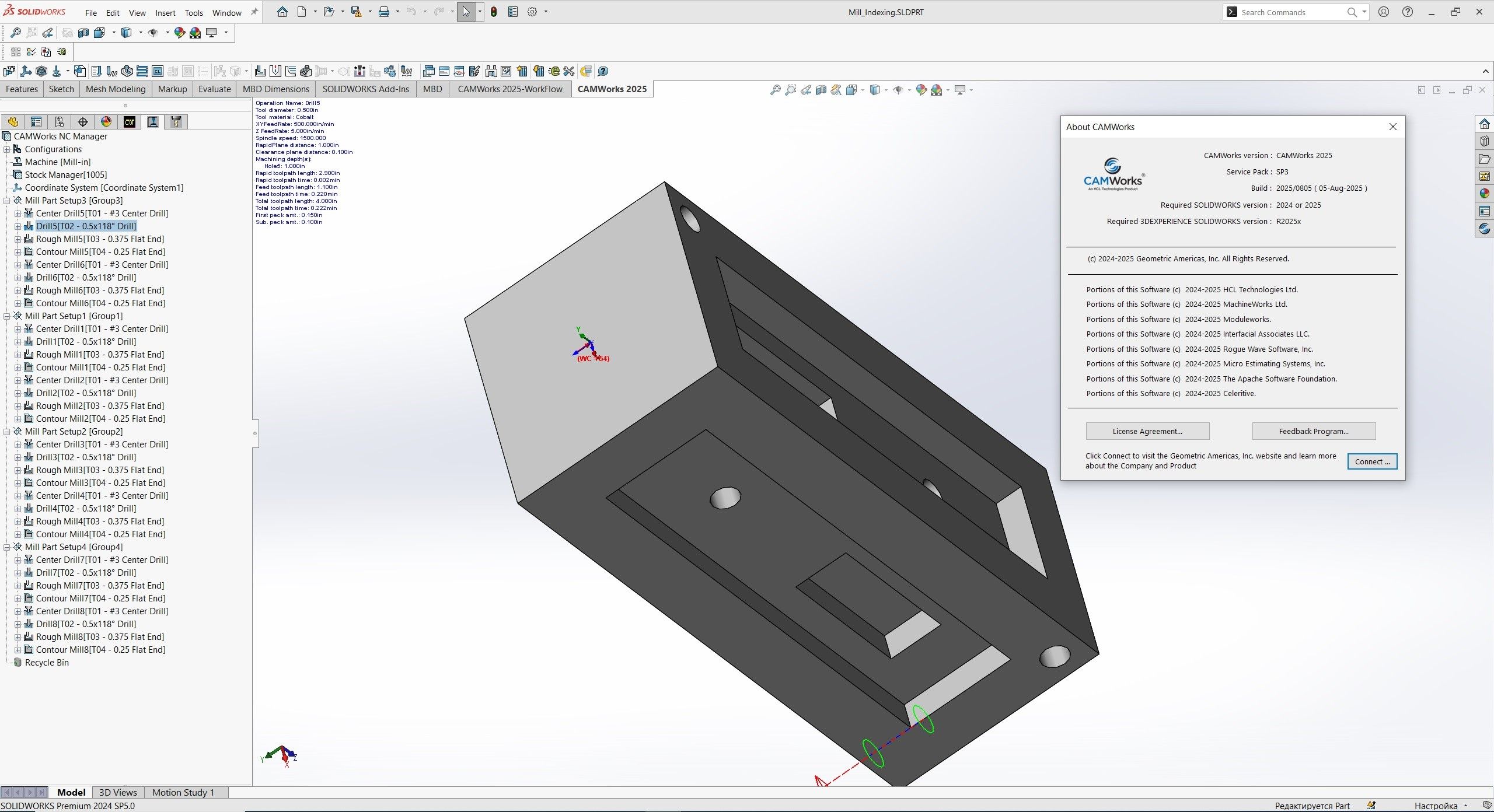
CAMWorks 2025 SP3 for SolidWorks 2024-2025, developed by HCL Technologies, is one of the newest releases of this intelligent CAM (Computer-Aided Manufacturing) solution. It’s designed to enhance CNC programming within SolidWorks and now fully extends into cloud-based environments via 3DEXPERIENCE SolidWorks.
Key Highlights & New Features of CAMWorks 2025 SP3 for SolidWorks 2024-2025
1. Cloud Integration and Collaboration
Seamless integration with 3DEXPERIENCE SolidWorks, enabling real-time, cross-disciplinary collaboration and data management in the cloud.
Compatible with existing desktop data from CAMWorks and SolidWorks CAM, providing flexibility across on-prem and cloud workflows.
2. Enhanced Simulation with Machine-Aware Programming
Introduces Machine-Aware Programming: users can work with a digital twin of the CNC machine, offering graphical insights into table dimensions, movement limits, tooling constraints, and more.
Includes collision detection and even a pause-on-collision option, ensuring safer and more accurate programming.
Adds simulation enhancements like machine component visibility toggles and a reset-to-default button for quick setup adjustments.
3. Machining Features and Tool Support
Chamfer machining now supports new tool types—Ball Nose, Hog Nose, and Lollipop Tools—for improved flexibility in contoured and tapered milling tasks.
New bar-break chamfer operations to cleanly finish edges of cylindrical stock, protecting guiding bushings and reducing post-processing.
Enhanced automatic feature recognition for turn and mill-turn operations, now with customizable checkboxes to fine-tune feature generation, including sub-spindle face detection.
Collet workholding now supported—users can define collets in the TechDB to improve setup versatility for mill-turn and turning applications.
Tool orientation control added for mill-turn tool cribs, offering more control during setup.
4. Sync Manager Improvements
An expanded Sync Manager view presents operations grouped by turret or spindle, streamlining machine programming and visualization in complex setups.
In summary, CAMWorks 2025 represents a major evolution—merging robust, traditional CNC programming with modern cloud-based workflows and advanced simulation intelligence. Whether you’re looking for better safety, precision, or collaboration, this release offers powerful tools to boost productivity and part quality.
If you want to download CAMWorks 2025 SP3 for SolidWorks 2024-2025 full license, please click to DOWNLOAD button to download.

Inside package CAMWorks 2025 SP3 for SolidWorks 2024-2025, already have cracked files and instruction how to install CAMWorks 2025 SP3 for SolidWorks 2024-2025 step by step. I guarantee you can install CAMWorks 2025 SP3 for SolidWorks 2024-2025 successfully if you follow that instruction.
If you also can’t install it or get any problems, please contact to me by email: [email protected], then I will help you to install software by teamviewer or Ultraviewer or Anydesk.
Thanks a lot

