Download Geomagic Freeform 2026.2.0 x64 full license
Link download Geomagic Freeform 2026.2.0 win64 full activated
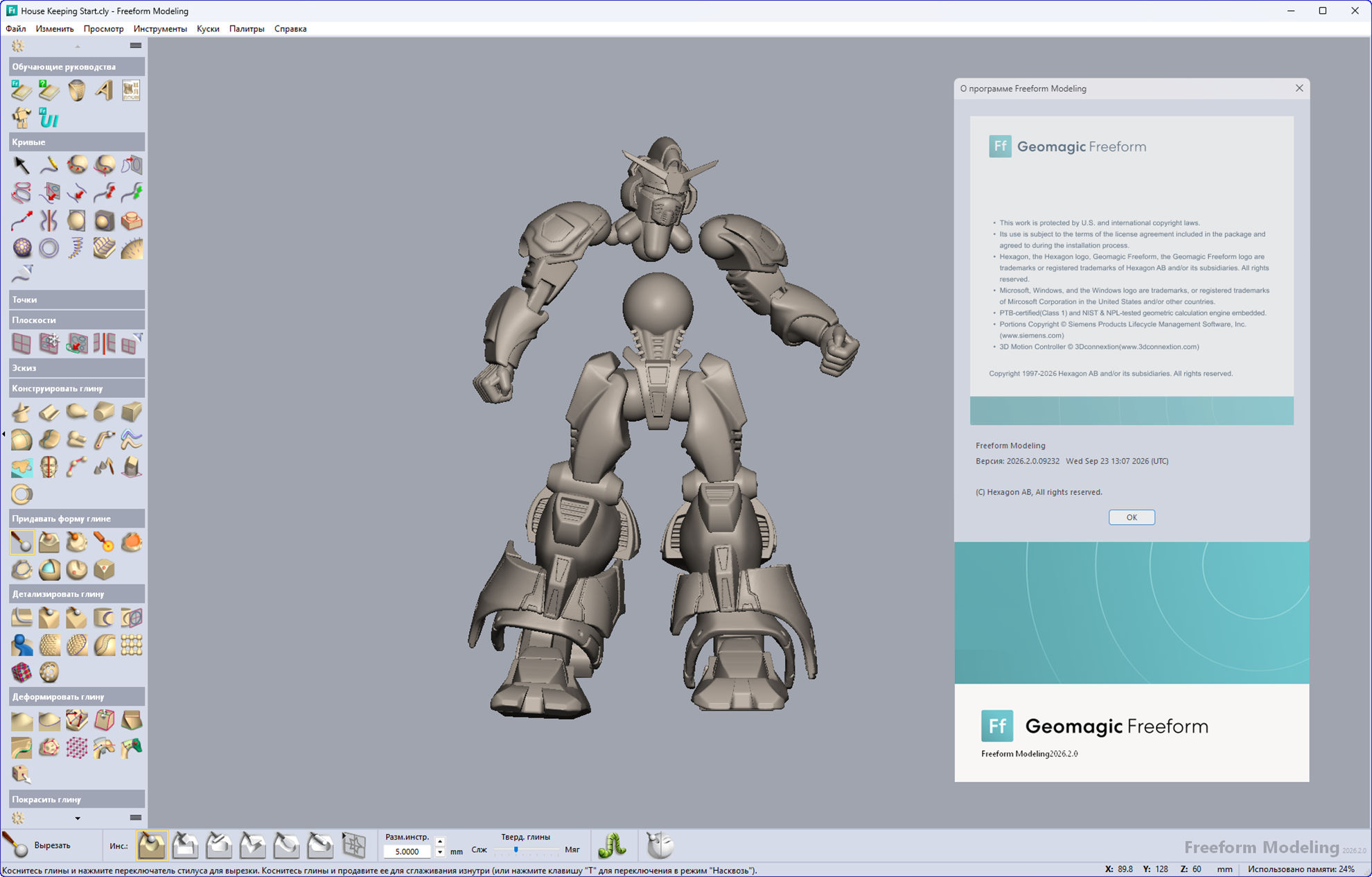
Language: Multilingual
Description of Geomagic Freeform 2026.2.0
Geomagic Freeform 2026.2.0 is a CAD/3D modeling system from Hexagon, focused primarily on organic, sculptural, and complex forms rather than classic parametric CAD modeling. Essentially, it’s a cross between ZBrush, CAD, scan processing, and manufacturing preparation, with a strong emphasis on precision and fabrication.
Freeform is based on the concept of digital clay. You literally “sculpt” the model: you can push, pull, smooth, add material, cut, create reliefs, deform specific areas, and so on.
But unlike purely artistic packages like ZBrush, Freeform understands that the final model must actually be produced:
control sizes;
check the thickness;
make slopes for casting;
build surfaces and solids;
prepare press molds;
work with meshes after 3D scanning;
export the model to CAD/CAM;
work with STEP/IGES and other industrial formats.
This is why Freeform is especially interesting for medical devices, footwear, toys, figurines, jewelry, packaging, tooling, sculptures, ergonomic products and molds where the shape is too organic for conventional SolidWorks/Inventor/Fusion.
What changed in 2026?
1. Deform Selection
You can select a section of the model and move, rotate, or scale it, while the surrounding geometry is smoothly rebuilt.
For example, here’s a figurine’s head: select the head, rotate it 15°, and the neck and surrounding area are automatically deformed.
This means that instead of manually “sculpting” the transition, Freeform automatically maintains the continuity of the shape. This works not only with clay but also with mesh.
2. Python API
In 2026, Python support was added, allowing for automation via the Geomagic API. For example, Hexagon provides automated scripts:
construction of a press mold;
analysis of deviations of two parts;
movement of parts before collision;
creation of structural planes;
processing of medical models.
This means that Freeform becomes not only a hand-sculpting tool, but also a programmable system.
In 2026.2, the Python API was further expanded, adding support for Sketch, code editor improvements, tooltips/autocompletion, and quick access to recently run scripts.
3. Quad Mesh
Quad-dominant mesh generation was introduced in 2026.2. This is essential for transitioning from sculpted/voxel geometry to a more accurate polygonal mesh: Clay / Mesh -> Quad Mesh with polygon count settings, scale adaptation, sharp edge preservation, etc. This is very useful for certain workflows, especially if the model is to be used in other systems.
4. Improved Engrave Mesh
We’ve redesigned the mesh engraving tool to improve quality and performance.
2026.2 also introduced a more visual Wrap mode, which allows you to see a 3D preview of the text being placed directly on the model.
5. 3MF and GLB
2026.2 added 3MF import and GLB/GLTF export, making Freeform more convenient for modern 3D printing and visualization workflows.
Features of Geomagic Freeform 2026.2.0
If you want to download Geomagic Freeform 2026.2.0 full license, please click to DOWNLOAD button to download.

Inside package Geomagic Freeform 2026.2.0, already have cracked files and instruction how to install Geomagic Freeform 2026.2.0 step by step. I guarantee you can install Geomagic Freeform 2026.2.0 successfully if you follow that instruction.
If you also can’t install it or get any problems, please contact to me by email: [email protected], then I will help you to install software by teamviewer or Ultraviewer or Anydesk.
Thanks a lot

